🧰 Work Suite
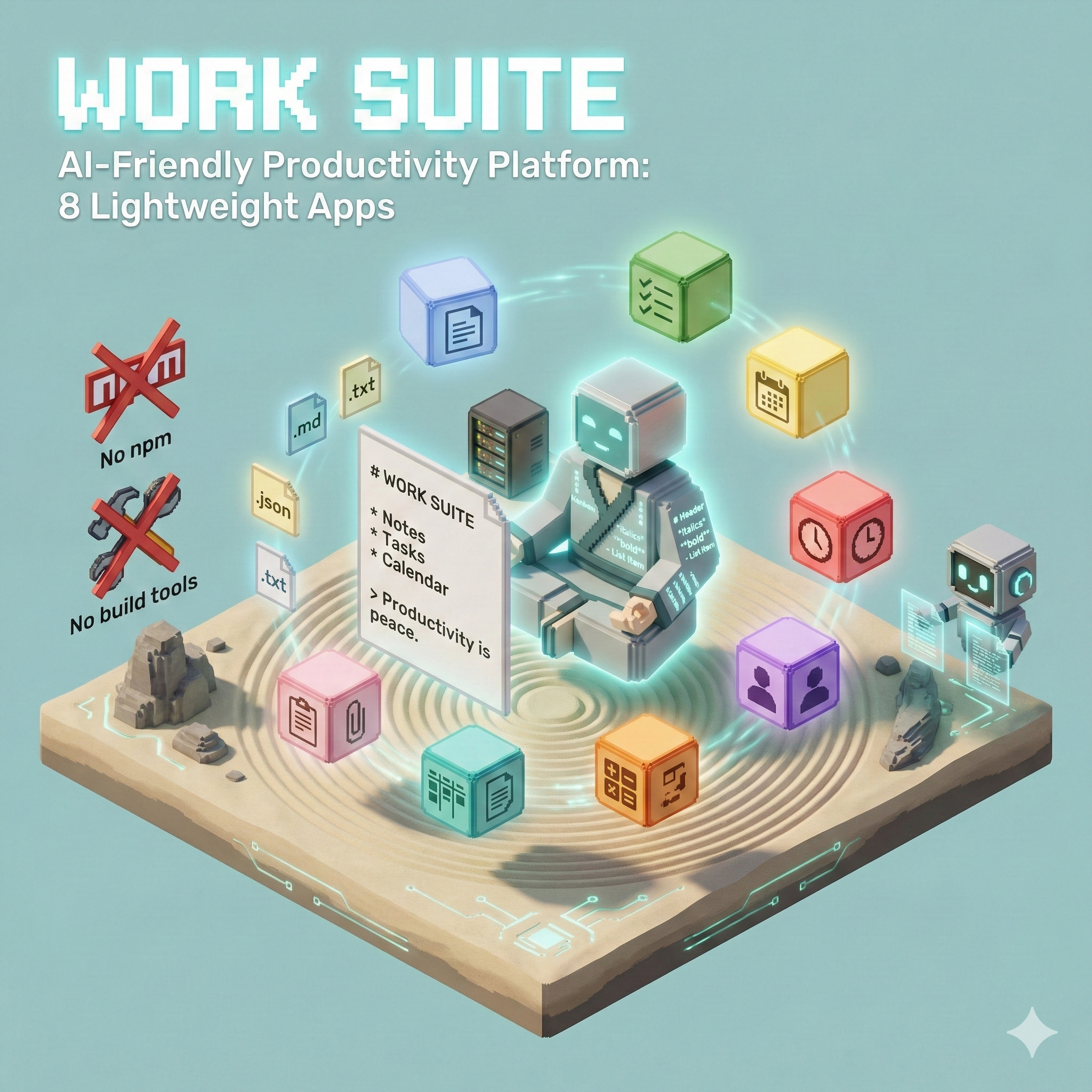
Lightweight productivity apps with AI-friendly, text-based formats
Home Lab Project · 8 Apps · LLM-Compatible Formats
The Problem
Modern productivity tools have become increasingly complex:
- Heavy dependencies - npm, build tools, frameworks
- Proprietary formats - Binary files AI can't read or generate
- Cloud-locked - Can't work offline or self-host
- AI-hostile - Formats that break when pasted into LLMs
I wanted tools that produce simple, text-based artifacts that both humans and AI assistants can read, write, and transform.
The Solution
Work Suite is a collection of 8 productivity apps that use Markdown, JSON, and plain text. Every app can export to formats that LLMs understand natively.
Ask AI: "Create a 5-slide presentation about renewable energy"
→ Copy response into Pointer
→ Instant presentation

Export from Done as JSON
→ Ask AI: "Convert these tasks to a project timeline"
→ Import into Journey
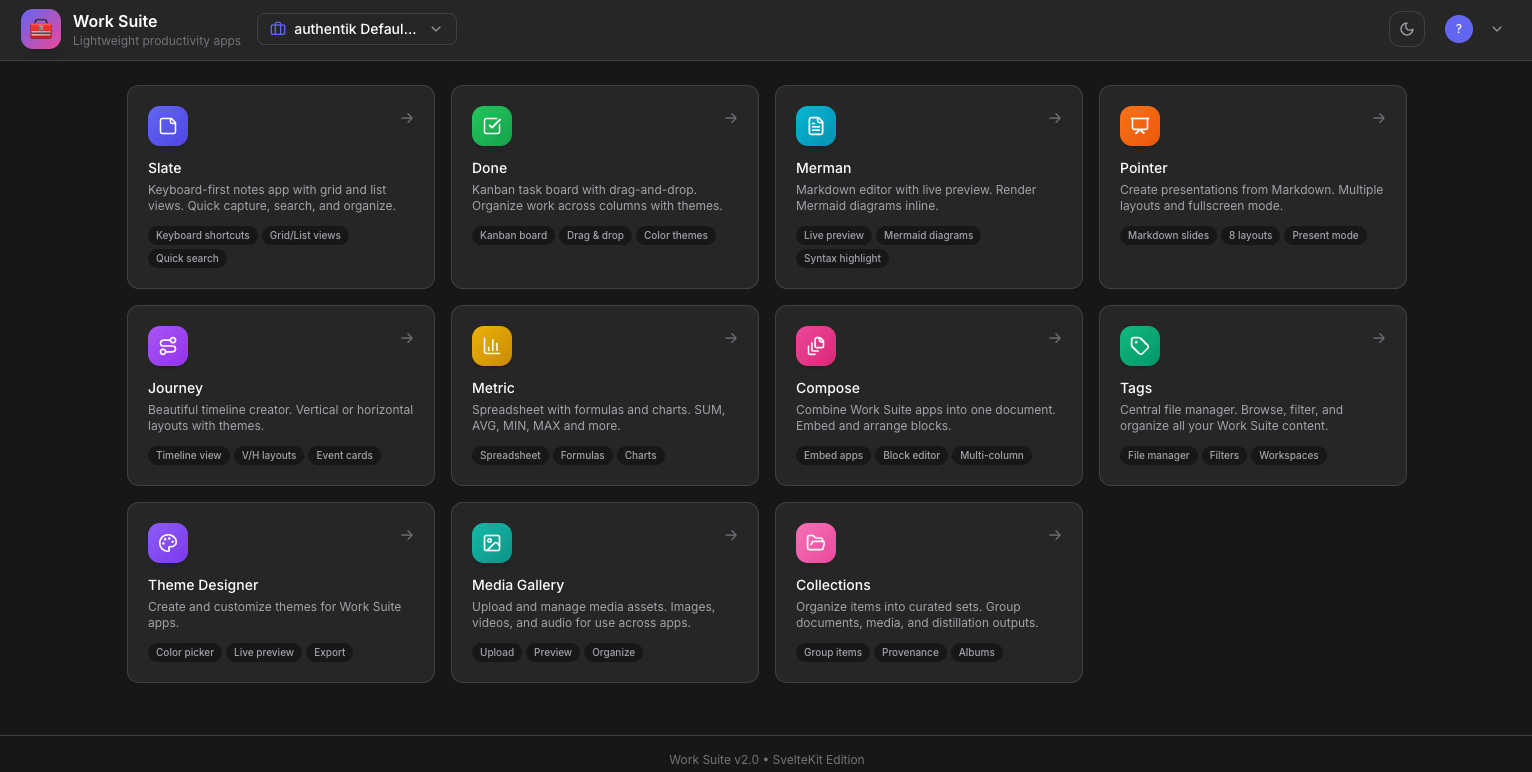
The 8 Apps
Core Productivity
| App | Purpose | Format |
|---|---|---|
| 📝 Slate | Keyboard-first notes with tile UI | Markdown, JSON |
| ✅ Done | Kanban task board with drag-and-drop | JSON, Markdown |
| 🛤️ Journey | Visual timeline creator | JSON, HTML |
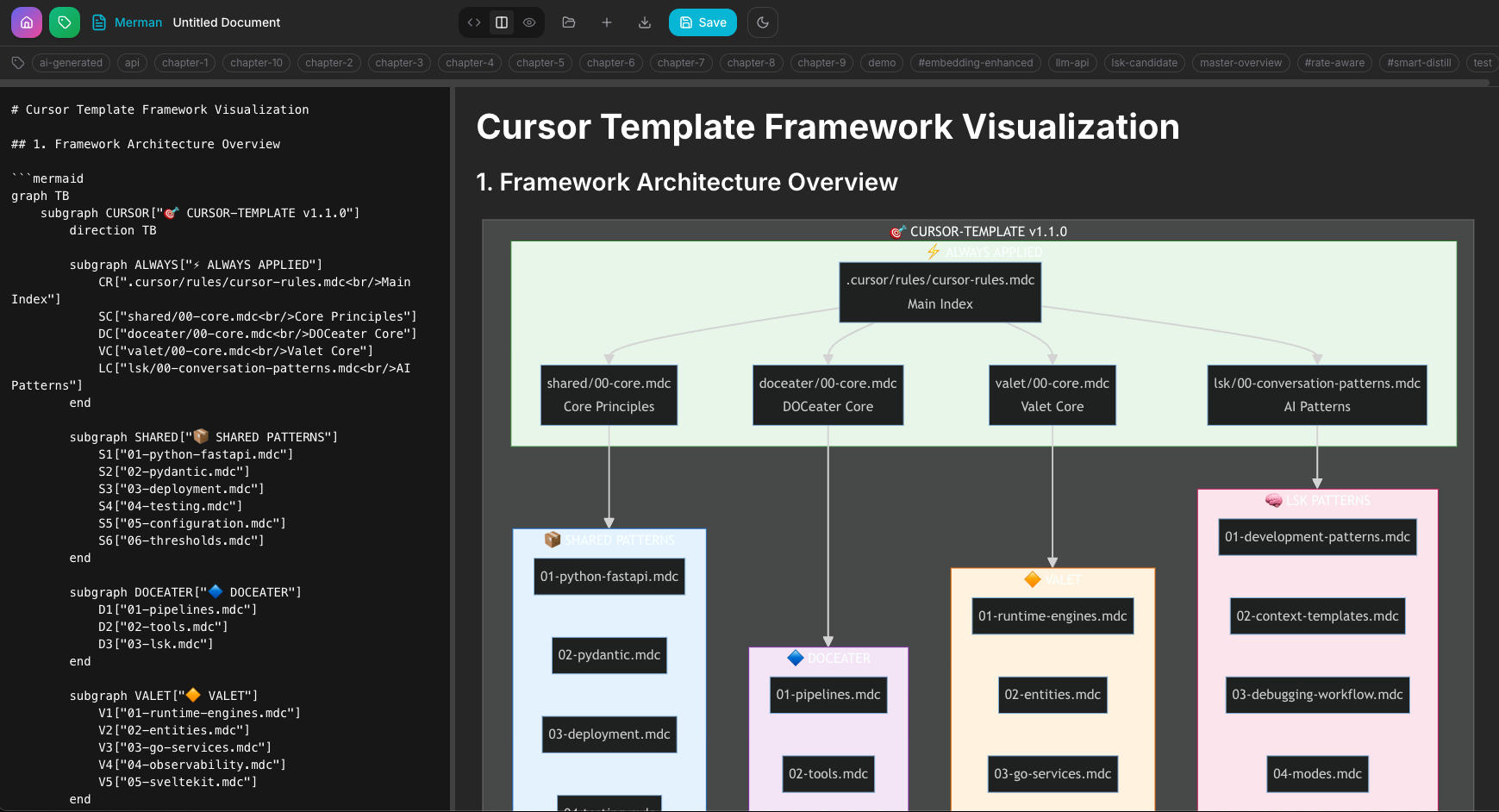
| 🐠 Merman | Markdown editor with Mermaid diagrams | Markdown |
| 📊 Metric | Spreadsheet with formulas and charts | JSON, CSV |
| 👆 Pointer | Markdown slide presentations | Markdown, JSON |
Platform Apps
| App | Purpose |
|---|---|
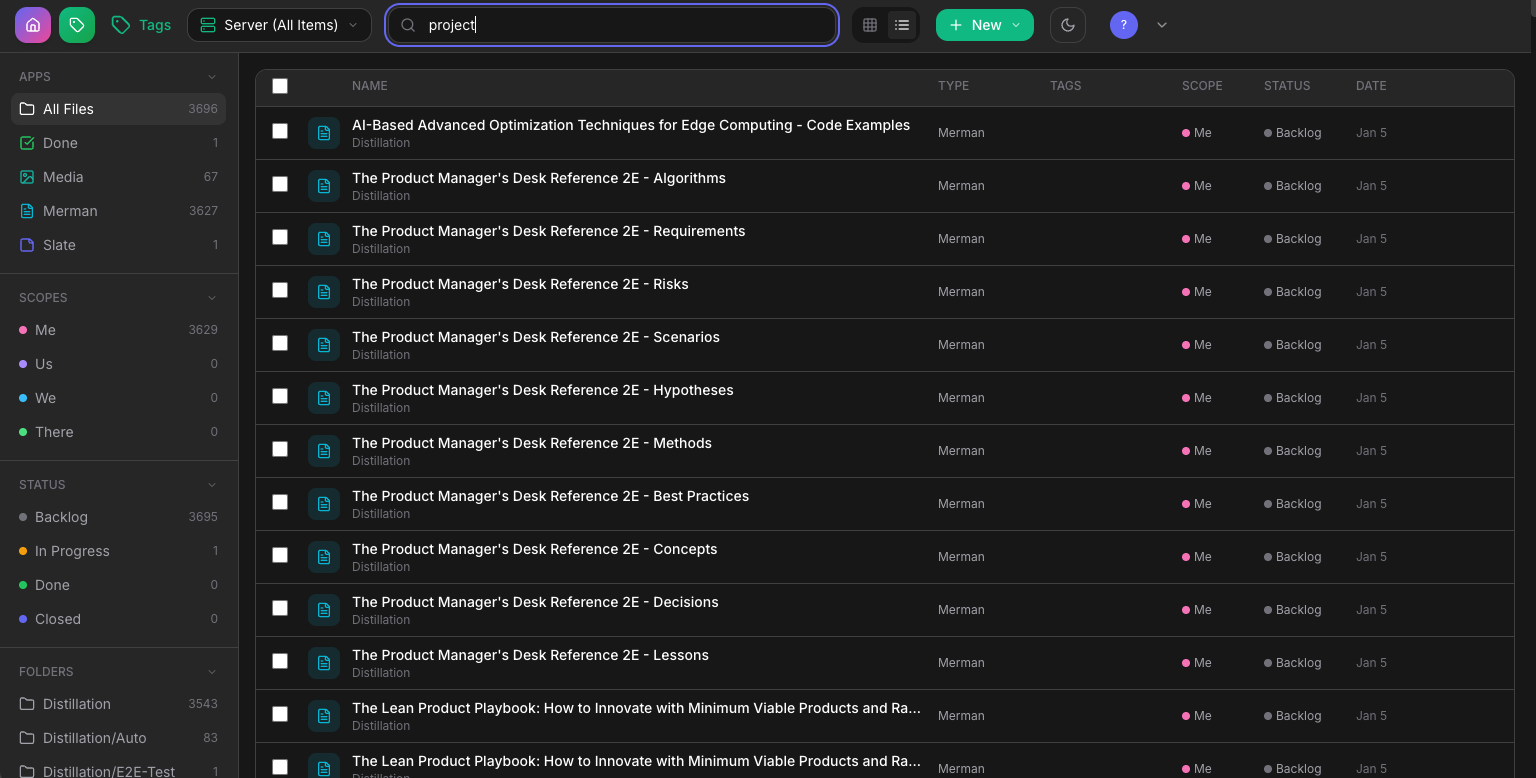
| 🏷️ Tags | Central file manager with scopes, folders, and workflow |
| 🎨 Theme Designer | Create custom themes from images |
Architecture
flowchart TB
    subgraph Apps["Frontend Apps"]
        A1[Slate]
        A2[Done]
        A3[Journey]
        A4[Merman]
        A5[Metric]
        A6[Pointer]
        A7[Tags]
        A8[Theme Designer]
    end

    subgraph Platform["Work Suite Platform"]
        N[Nginx<br/>Reverse Proxy]
        API[API Server<br/>Node.js + Express]
        WS[WebSocket<br/>Real-time Sync]
    end

    subgraph Backend["Backend Services"]
        PG[(PostgreSQL<br/>Storage)]
        AUTH[Authentik<br/>SSO]
    end

    Apps --> N
    N --> API
    API --> WS
    API --> PG
    API --> AUTH
Access Scopes
Content is organized into four access levels:
flowchart LR
    subgraph Scopes["Access Scopes"]
        M[👤 Me<br/>Private]
        U[👥 Us<br/>Invited]
        W[🏢 We<br/>Team]
        T[🌐 There<br/>Public]
    end

    M --> U --> W --> T
| Scope | Access | Use Case |
|---|---|---|
| Me | Owner only | Private drafts, personal notes |
| Us | Explicit invite | Shared projects, collaborations |
| We | Team/workspace | Department resources |
| There | External/public | Published content, templates |
AI Workflow
The text-based formats make AI integration seamless:
flowchart LR
    subgraph Generate["AI Generates"]
        G1[Presentations]
        G2[Task Boards]
        G3[Timelines]
    end

    subgraph Import["Paste into Work Suite"]
        I1[Pointer]
        I2[Done]
        I3[Journey]
    end

    subgraph Export["Export & Transform"]
        E1[JSON/Markdown]
        E2[Ask AI to transform]
    end

    G1 --> I1
    G2 --> I2
    G3 --> I3
    I1 & I2 & I3 --> E1 --> E2
Examples:
- Ask AI: "Create a project plan with 10 tasks" → Import JSON into Done
- Export Metric as CSV → Ask AI: "Summarize the trends"
- Ask AI: "Write a presentation outline" → Paste Markdown into Pointer
App Details
📝 Slate — Keyboard-First Notes
- Tile UI for power users
- 100% keyboard navigable
- Command palette (
⌘K) - Instant search and tags
- Auto-save to localStorage
✅ Done — Kanban Board
- Drag-and-drop cards
- Color-coded labels
- Due dates and priorities
- 5 visual themes
- Export/import as JSON
🛤️ Journey — Timeline Creator
- Vertical and horizontal layouts
- Event icons and milestones
- 6 visual themes
- Export to standalone HTML
- Perfect for roadmaps
🐠 Merman — Markdown + Diagrams
- Split-pane editor
- Live Mermaid rendering
- Flowcharts, sequences, etc.
- Dark and light themes
- Auto-wrapping for pasted syntax
📊 Metric — Spreadsheet
- Formulas: SUM, AVG, MIN, MAX, COUNT, ROUND, SQRT, POW
- Chart types: bar, line, pie, doughnut
- 50 rows × 26 columns
- Quick stats panel
- Export to CSV
👆 Pointer — Slide Presenter
- 8 slide layouts (Title, Content, Two-Column, Quote, Code, Section)
- 8 visual themes
- Fullscreen presentation mode
- Keyboard navigation
- Markdown source
File Formats
All formats are human-readable and AI-compatible:
| App | Extension | Format |
|---|---|---|
| Slate | .slate |
JSON (notes array) |
| Done | .done |
JSON (columns + cards) |
| Journey | .journey |
JSON (events + layout) |
| Merman | .md |
Markdown |
| Metric | .metric / .csv |
JSON / CSV |
| Pointer | .pointer |
JSON (slides array) |
Tech Stack
| Component | Technology |
|---|---|
| Frontend | Vanilla HTML/JS (no frameworks) |
| API | Node.js + Express |
| Database | PostgreSQL |
| Auth | JWT + HTTP-only cookies |
| Real-time | WebSocket |
| Proxy | Nginx |
| Libraries | Marked.js, Mermaid.js, Chart.js, Prism.js |
Design Philosophy
| Traditional Tools | Work Suite |
|---|---|
| Complex binary formats | Simple text (Markdown, JSON, CSV) |
| Heavy dependencies | Single HTML files, zero build |
| Proprietary ecosystems | Open, portable, self-contained |
| Difficult for AI | Easy for LLMs to read and generate |
What I Learned
- Text formats win - JSON and Markdown are universally understood
- Keyboard-first matters - Power users live on the keyboard
- LocalStorage is enough - Most personal tools don't need a database
- AI compatibility is a feature - Design for copy-paste workflows