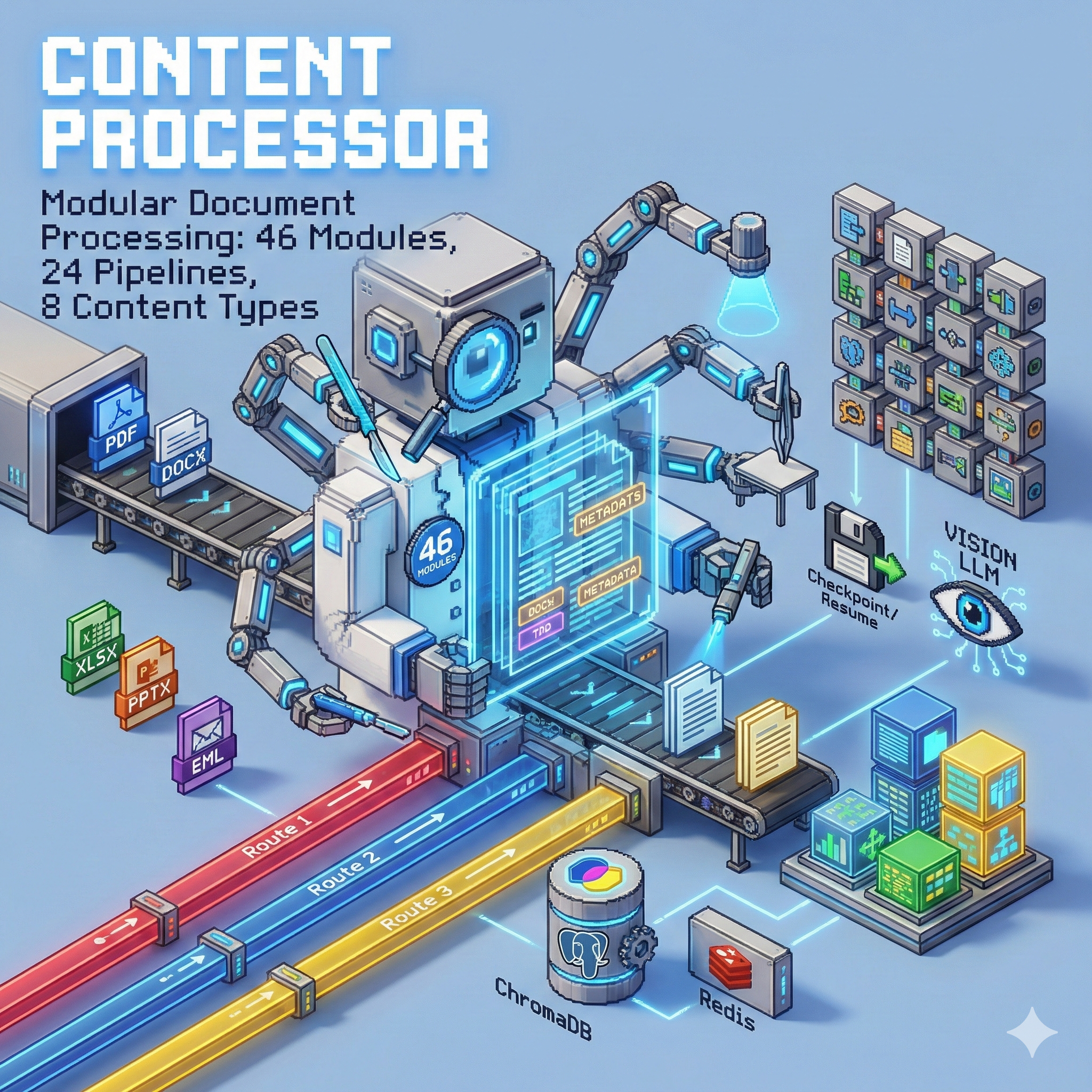
📄 Content Processor
Modular document processing with LLM-powered extraction and vision analysis
Home Lab Project · 46 Modules · 24 Pipelines · 8 Content Types
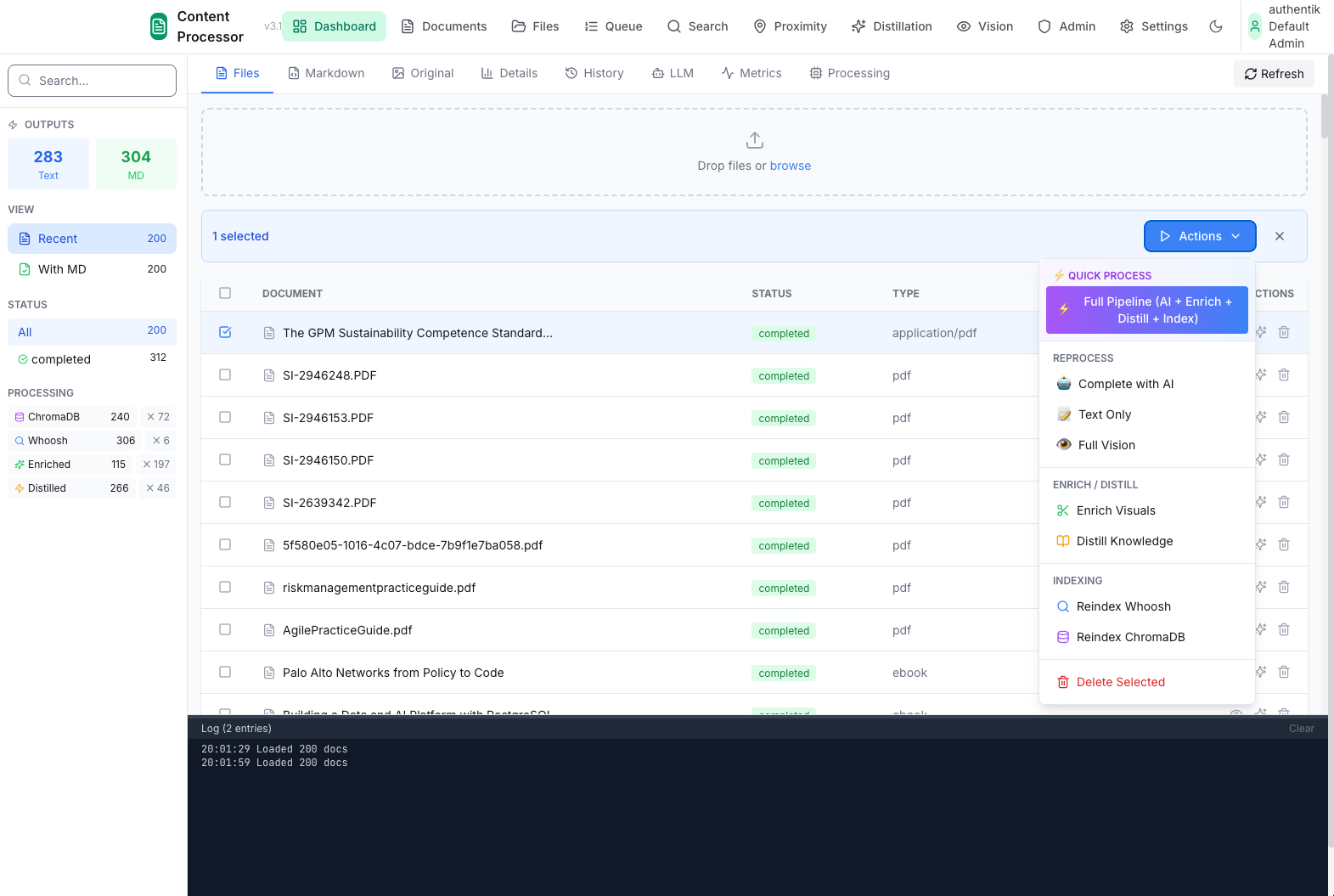
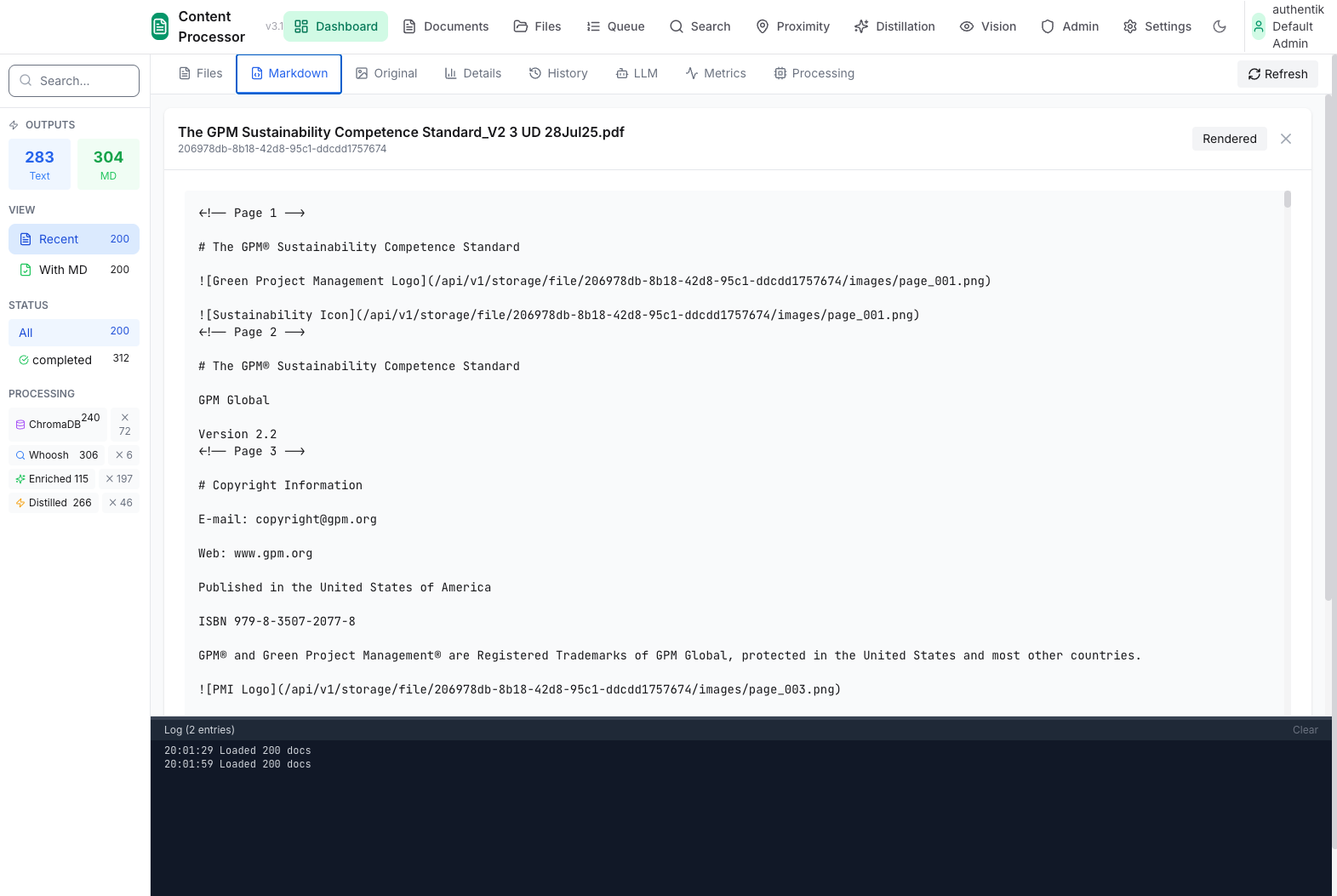
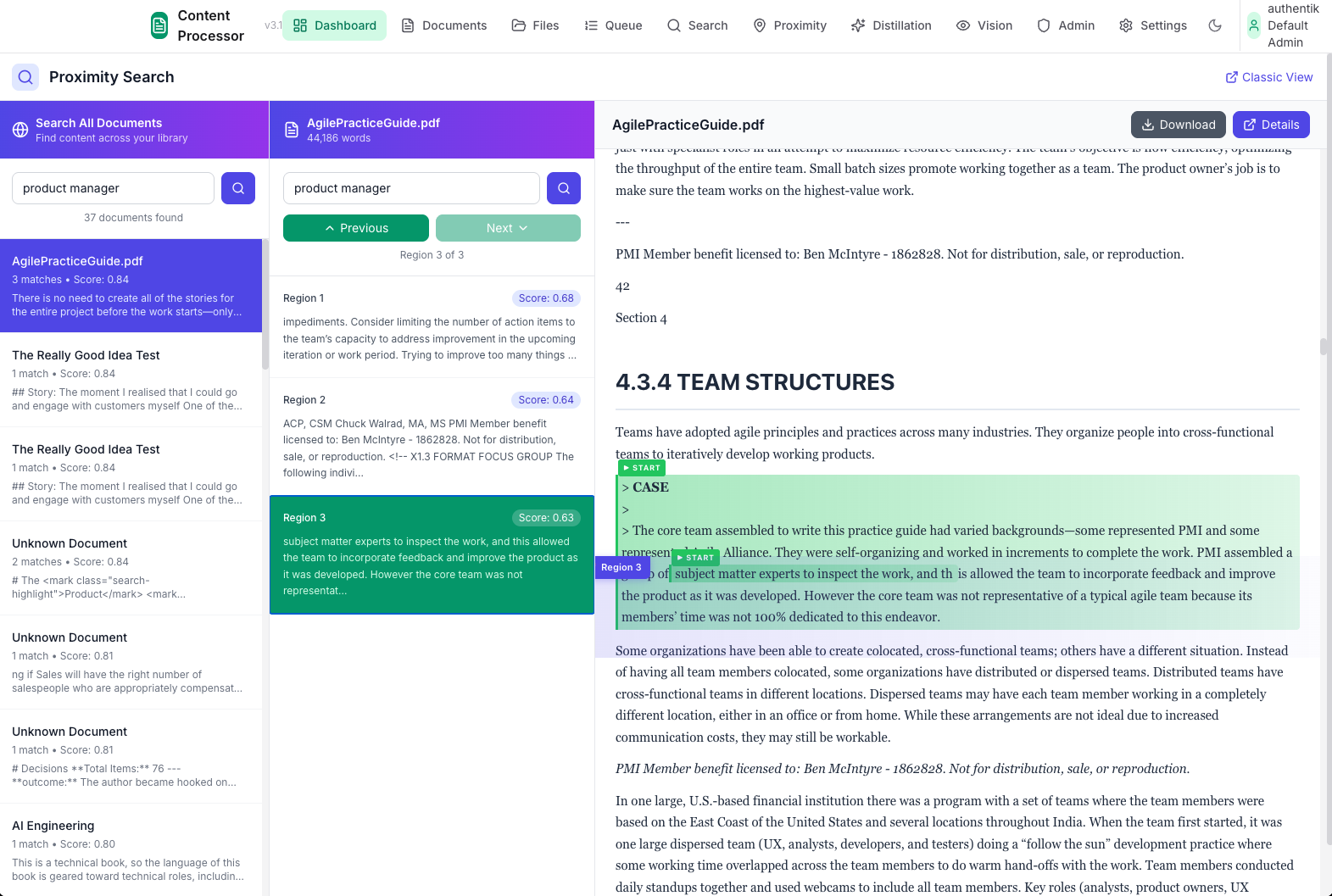
The Problem
Getting clean, structured data from documents is surprisingly hard:
- Format chaos - PDFs, Word docs, Excel, PowerPoint, emails, images...
- Layout matters - Tables, headers, and structure get lost in extraction
- One-size-fits-none - Different documents need different processing
- No memory - Process fails halfway? Start over.
I needed a system that could handle any document type, preserve structure, and pick up where it left off if something went wrong.
The Solution
Content Processor is a modular pipeline system where you compose processing steps like building blocks. Each module does one thing well, and pipelines chain them together.
{
  "name": "invoice_optimized",
  "modules": [
    "pdf_text_extractor",
    "invoice_header_extractor",
    "invoice_table_extractor",
    "coordinate_aware_table_parser",
    "invoice_markdown_formatter",
    "chunk_embedder"
  ]
}
Key Features
- 📦 46 Processing Modules - Extractors, parsers, formatters, validators
- 🔗 24 Pre-built Pipelines - Invoice, report, email, image processing
- 🎯 3-Route Queue System - Priority processing with worker pools
- 👁️ Vision LLM Integration - Layout analysis for complex documents
- 💾 Checkpoint System - Resume from any step after failures
- 📊 Provenance Tracking - Know where every piece of data came from
- 🔍 Auto-Embedding - Chunks go straight to ChromaDB for search
Architecture
flowchart TB
    subgraph Input["Document Input"]
        D[Documents<br/>PDF, DOCX, XLSX...]
    end

    subgraph Queue["3-Route Queue"]
        R1[Route 1<br/>Fast/Simple]
        R2[Route 2<br/>Standard]
        R3[Route 3<br/>Vision LLM]
    end

    subgraph Pipeline["Pipeline Engine"]
        direction TB
        P[Pipeline Selector]
        M1[Module 1]
        M2[Module 2]
        M3[Module N...]
    end

    subgraph Storage["Storage Layer"]
        PG[(PostgreSQL<br/>Documents + Sections)]
        CH[(ChromaDB<br/>Embeddings)]
        FS[File Storage<br/>Originals]
    end

    D --> R1 & R2 & R3
    R1 & R2 & R3 --> P
    P --> M1 --> M2 --> M3
    M3 --> PG & CH & FS
3-Route Queue System
| Route | Purpose | Use Case |
|---|---|---|
| Route 1 | Fast processing | Text-only, simple extraction |
| Route 2 | Standard processing | Most documents, full pipeline |
| Route 3 | Vision LLM | Complex layouts, tables, forms |
Documents are classified and routed automatically based on content type and complexity.
Supported Content Types
| Type | Extractor | Special Features |
|---|---|---|
pdf_text_extractor |
Vision fallback for scanned docs | |
| DOCX | docx_extractor |
Embedded images, styles |
| XLSX | xlsx_extractor |
Multi-sheet, formulas |
| PPTX | pptx_extractor |
Slide structure |
| EML/MSG | eml_extractor, msg_extractor |
Attachments, threading |
| RTF | rtf_extractor |
Legacy format support |
| Images | image_extractor |
OCR via Vision LLM |
| HTML | markdown_generator |
Clean text extraction |
Module Categories
flowchart LR
    subgraph Extract["Extractors"]
        E1[PDF]
        E2[DOCX]
        E3[XLSX]
        E4[Image]
    end

    subgraph Parse["Parsers"]
        P1[Table Parser]
        P2[Section Extractor]
        P3[Hierarchical Parser]
    end

    subgraph Transform["Transformers"]
        T1[Markdown Formatter]
        T2[Text Chunker]
        T3[Text Cleaner]
    end

    subgraph Enrich["Enrichment"]
        R1[Embedder]
        R2[Classifier]
        R3[Search Indexer]
    end

    subgraph Validate["Validators"]
        V1[Provenance]
        V2[Visual Validation]
        V3[Type Validators]
    end

    Extract --> Parse --> Transform --> Enrich --> Validate
Key Modules
| Module | Purpose |
|---|---|
vision_layout_analyzer |
LLM-powered layout understanding |
coordinate_aware_table_parser |
Preserves table structure with coordinates |
hierarchical_document_parser |
Extracts document hierarchy (H1→H2→H3) |
section_extractor_module |
Splits into logical sections |
chunk_embedder |
Creates embeddings for semantic search |
provenance_tracking_module |
Tracks data lineage |
Example Pipelines
Invoice Processing
flowchart LR
    A[PDF] --> B[Text Extract]
    B --> C[Header Extract]
    C --> D[Table Extract]
    D --> E[Coordinate Parse]
    E --> F[Markdown Format]
    F --> G[Embed Chunks]
Extracts vendor, dates, line items, totals with full table structure preservation.
Vision-Guided Extraction
For complex layouts where text extraction fails:
flowchart LR
    A[Document] --> B[Image Normalize]
    B --> C[Vision LLM]
    C --> D[Layout Analysis]
    D --> E[Structured Output]
    E --> F[Validation]
Uses Valet Visual to understand page layout before extraction.
Web UIs
The service includes several browser-based interfaces:
| UI | Purpose |
|---|---|
| Admin | Document management, queue status |
| Workbench | Test modules interactively |
| Vision Workbench | Vision LLM testing |
| Registry | Document type configuration |
Checkpoint System
Processing can resume from any module if interrupted:
flowchart LR
    subgraph Processing
        M1[Module 1 ✓] --> M2[Module 2 ✓]
        M2 --> M3[Module 3 ✗]
        M3 -.-> M4[Module 4]
    end

    subgraph Checkpoint
        CP[(Checkpoint<br/>State Saved)]
    end

    M2 --> CP
    CP -.->|Resume| M3
Each module's output is checkpointed to disk, enabling:
- Resume after crashes
- Reprocess from any step
- Debugging intermediate states
Stats (My Instance)
| Metric | Value |
|---|---|
| Documents Processed | 259 |
| Sections Extracted | 7,396 |
| Embeddings Created | 26,409 |
| Pipeline Configs | 24 |
| Processing Modules | 46 |
Tech Stack
| Component | Technology | Why |
|---|---|---|
| API | FastAPI | Async, OpenAPI docs |
| Database | PostgreSQL | Documents, sections, metadata |
| Vectors | ChromaDB | Semantic search |
| Vision | Valet Visual | Layout analysis |
| LLM | Valet Runtime | Extraction, classification |
| Queue | Custom 3-route | Priority processing |
| UI | Vanilla HTML/JS | Simple, no build step |
What I Learned
- Modularity wins - Composable modules beat monolithic processors
- Checkpoints are essential - Long pipelines fail; being able to resume is critical
- Vision LLM is a game-changer - Complex layouts need visual understanding
- Provenance matters - Knowing where data came from enables debugging
What's Next
- Streaming progress to UI
- More document type support (CAD, audio transcripts)
- Batch processing improvements
- Better table detection heuristics