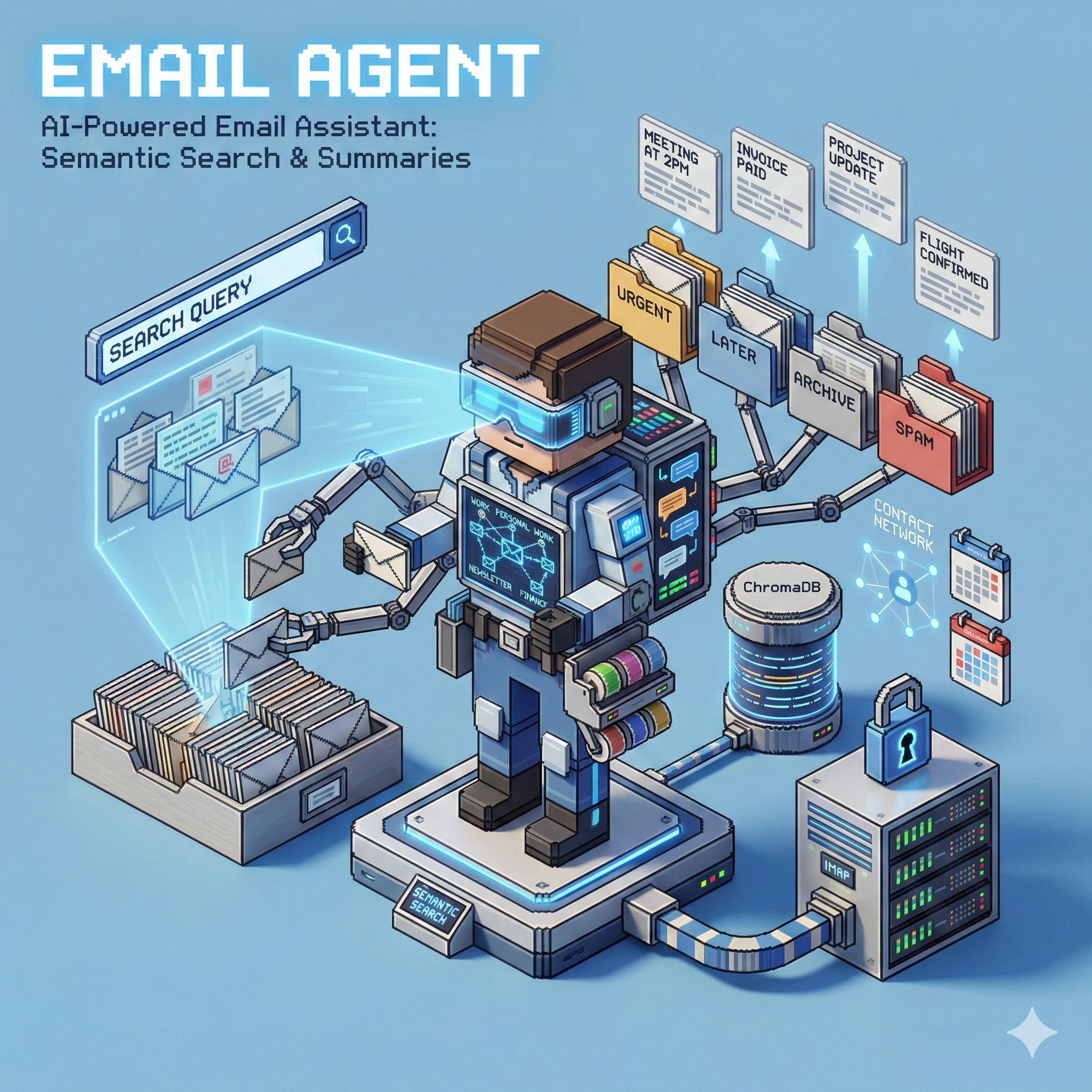
📧 Email Agent
AI assistant for searching, summarizing, and understanding your email archive
Home Lab Project · Semantic Search · Conversation Summaries
The Problem
Email archives are goldmines of information, but impossible to navigate:
- Search is keyword-only - "What did John say about the project?" returns nothing
- No summaries - Opening every thread to understand context
- No patterns - Who emails most? What topics dominate?
- Scattered context - Related emails buried across folders
I wanted to ask questions about my email in natural language and get intelligent answers.
The Solution
Email Agent imports your email archive, generates semantic embeddings, and provides an AI chat interface for exploring your messages.
"What were the key decisions from last quarter's planning emails?"

"Find all emails where Sarah mentioned the budget"

"Summarize my conversations with the design team"
Key Features
- 🔍 Semantic Search - Find emails by meaning, not just keywords
- 💬 AI Chat - Ask questions about your email in natural language
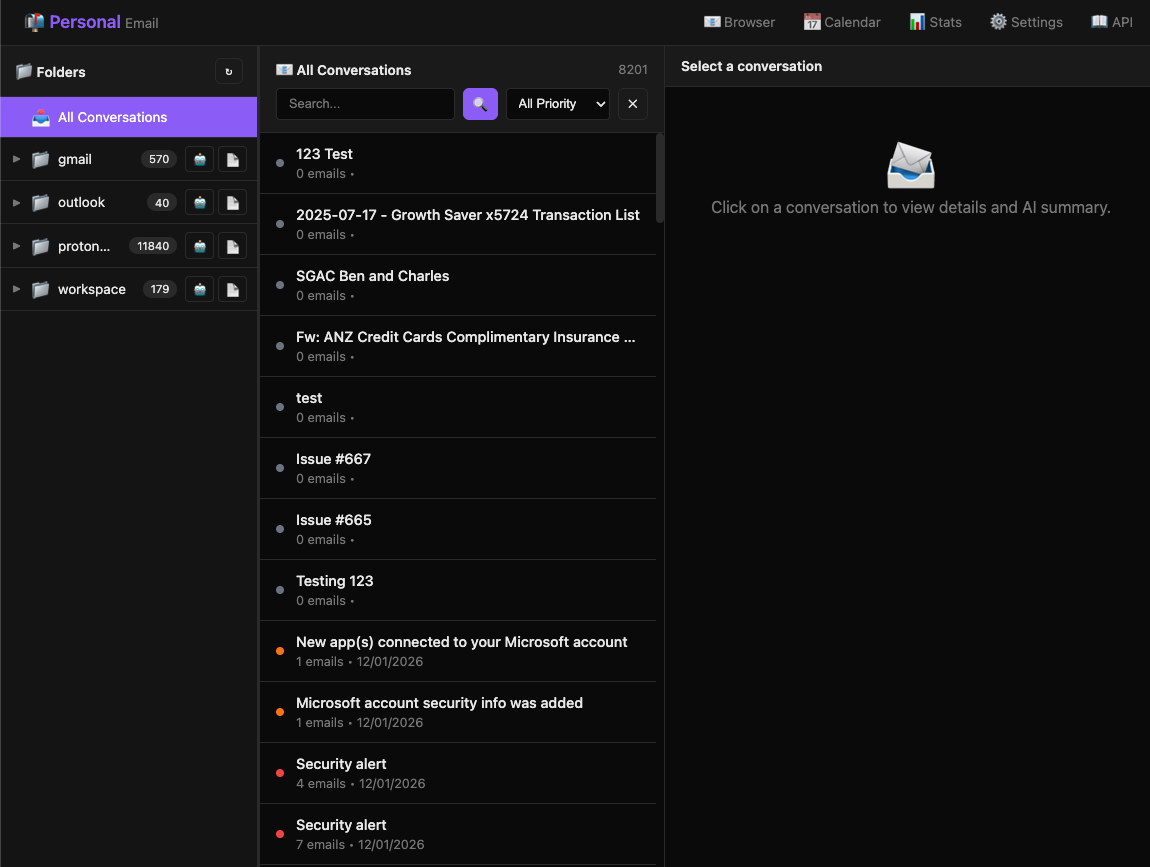
- 📝 Conversation Summaries - Auto-generated summaries per thread
- 📁 Folder Organization - Browse by folder with AI summaries
- 🔄 Multi-LLM Support - Switch between LLM providers
- 📊 Email Analytics - Patterns, top senders, activity over time
Architecture
flowchart TB
    subgraph Import["Email Import"]
        Z[ZIP Export]
        I[Import Service]
    end

    subgraph Processing["Processing"]
        A[Analyzer<br/>Lightweight]
        E[Embedder<br/>Valet]
    end

    subgraph Storage["Storage"]
        PG[(PostgreSQL<br/>Emails, Conversations)]
        CH[(ChromaDB<br/>Embeddings)]
    end

    subgraph AI["AI Layer"]
        LLM[LLM Provider<br/>MinRes / Valet]
        RR[Reranker<br/>mxbai-rerank]
    end

    subgraph API["API"]
        F[FastAPI]
        UI[Web UI]
    end

    Z --> I --> A --> E
    A --> PG
    E --> CH
    F --> LLM & RR
    F --> PG & CH
    UI --> F
How It Works
1. Import
Export your emails using a standard email exporter. Email Agent processes the ZIP:
flowchart LR
    Z[ZIP File] --> X[Extract]
    X --> DB[(emails.db)]
    DB --> P[Parse Emails]
    P --> PG[(PostgreSQL)]
    P --> E[Generate Embeddings]
    E --> CH[(ChromaDB)]
2. Conversation Threading
Emails are grouped into conversations for context:
flowchart TB
    subgraph Thread["Conversation Thread"]
        E1[Email 1: Original]
        E2[Email 2: Reply]
        E3[Email 3: Reply-all]
        E4[Email 4: Forward]
    end

    E1 --> E2 --> E3 --> E4

    S[AI Summary<br/>Key points, decisions, action items]
    Thread --> S
3. Search & Chat
Query by keywords or ask questions:
flowchart LR
    Q[Query] --> V{Semantic<br/>Search}
    V --> CH[(ChromaDB)]
    CH --> R[Results]
    R --> RR[Rerank]
    RR --> LLM[LLM<br/>Answer]
    LLM --> A[Response]
API Endpoints
| Endpoint | Purpose |
|---|---|
POST /api/v1/imports |
Upload email archive |
GET /api/v1/emails |
List/search emails |
GET /api/v1/conversations |
List conversation threads |
POST /api/v1/ai/chat |
Chat with AI about emails |
POST /api/v1/ai/summarize/conversation/{id} |
Summarize a thread |
GET /api/v1/search |
Semantic search |
GET /api/v1/folders |
Browse by folder |
AI Capabilities
Chat Assistant
Ask questions about your email archive:
{
  "message": "What did Sarah say about the Q3 budget?",
  "context_emails": 10
}
Response includes relevant emails and a synthesized answer.
Conversation Summaries
Each thread gets an AI-generated summary:
- Key points discussed
- Decisions made
- Action items identified
- Participants involved
Folder Summaries
Folders can be summarized to understand their contents at a glance.
Multi-LLM Support
Switch between providers based on task:
| Provider | Use Case |
|---|---|
| MinRes | Primary, fast responses |
| Valet | Fallback, more models available |
# Override per-request
response = await chat(
    request={"message": "..."},
    provider="valet"  # or "minres"
)
Tech Stack
| Component | Technology |
|---|---|
| API | FastAPI |
| Database | PostgreSQL |
| Vectors | ChromaDB |
| Embeddings | Valet (mxbai-embed) |
| Reranking | Valet (mxbai-rerank) |
| LLM | Multi-provider support |
| UI | Web interface |
Privacy Note
This runs entirely on my local servers. Emails never leave my network. The LLMs are either local (via Valet) or privacy-focused providers.
What I Learned
- Semantic search transforms email - Finding by meaning is a game-changer
- Conversation threading matters - Context comes from the thread, not individual emails
- Summaries save time - A good summary beats reading 20 emails
- Embeddings need tuning - Chunk size and overlap affect search quality
What's Next
- Real-time sync with email providers
- Better attachment handling
- Email drafting with AI
- Calendar integration for meeting emails